Back to Blog
TutorialsNovember 22, 20249 min read

Cinematic Storytelling with AI: Creating Multi-Scene Brand Videos

Learn how to craft compelling brand stories using AI-generated cinematic videos with multiple scenes and characters.
TA
Twin.Actor Team
Twin.Actor
Share:
Cinematic Storytelling with AI: Creating Multi-Scene Brand Videos

Cinematic Storytelling with AI: Creating Multi-Scene Brand Videos

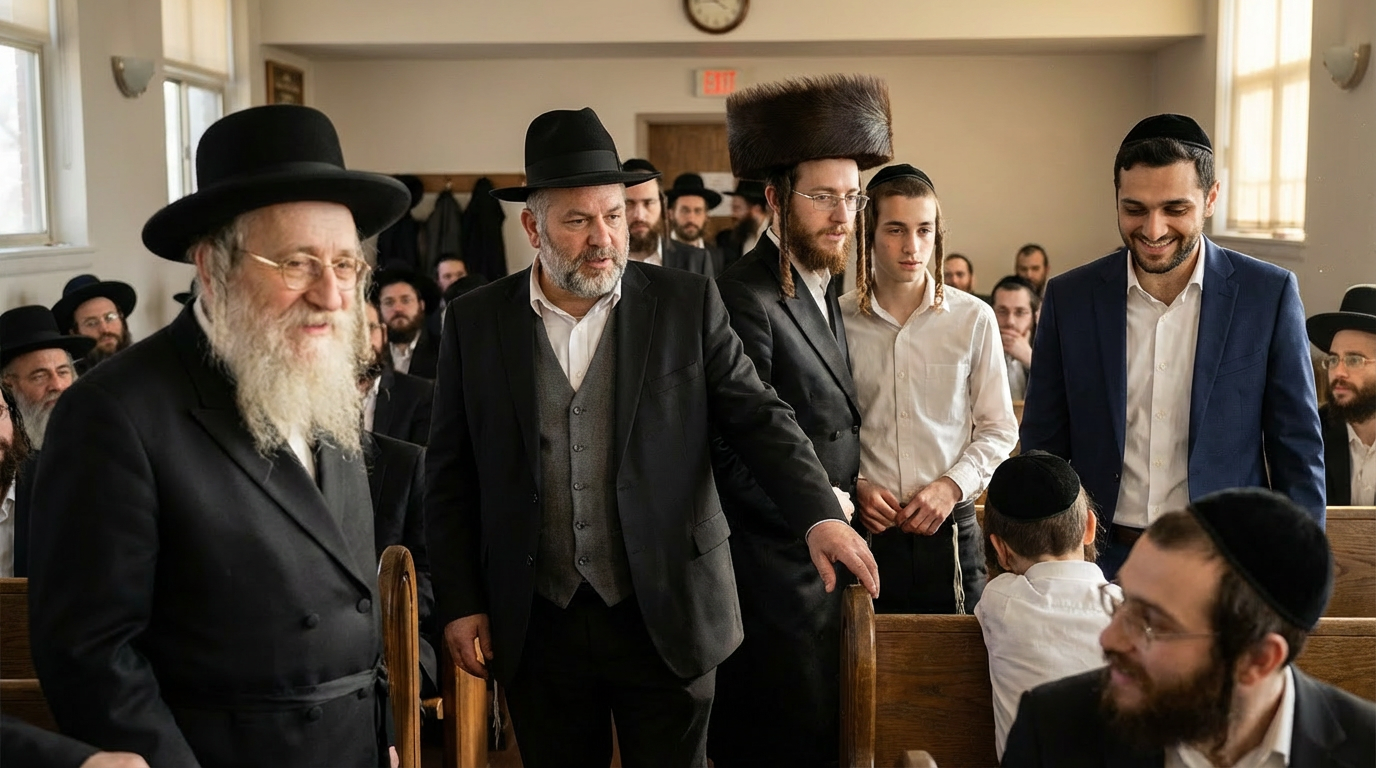
While talking-head videos are great for quick updates, sometimes you need something more—a story that unfolds across multiple scenes, featuring different characters and locations.

What is Cinematic AI Video?

Cinematic videos go beyond simple talking-head content:

  • • Multiple scenes with different backgrounds
  • • Supporting characters alongside your digital twin
  • • Narrative story structure
  • • Professional transitions and pacing
  • Story Structure for Brand Videos

    The Hook (Scene 1)

    Grab attention immediately:

  • • Present a problem your audience faces
  • • Ask a compelling question
  • • Show a surprising outcome
  • The Setup (Scenes 2-3)

    Build context:

  • • Introduce your main character
  • • Establish the situation
  • • Create emotional connection
  • The Solution (Scenes 3-4)

    Present your value:

  • • Show how you solve the problem
  • • Demonstrate benefits
  • • Include social proof
  • The Resolution (Scene 5)

    Wrap up and call to action:

  • • Show the positive outcome
  • • Invite the viewer to take action
  • • End on an emotional high note
  • Creating Supporting Characters

    AI can generate additional characters for your story:

  • • Describe their appearance and role
  • • They appear alongside your digital twin
  • • Great for showing customer interactions, team dynamics, etc.
  • Scene Planning Tips

    Visual Variety

    Mix up your scenes:

  • • Indoor and outdoor settings
  • • Different angles and compositions
  • • Various lighting moods
  • Pacing

    Keep viewers engaged:

  • • 8-12 seconds per scene optimal
  • • Faster cuts for energy
  • • Slower scenes for emotional moments
  • Continuity

    Maintain story flow:

  • • Characters dressed consistently
  • • Logical scene progression
  • • Matching color palettes
  • Example: Product Launch Video

    Scene 1: The Problem

    A busy professional struggling with [problem your product solves]

    Scene 2: Discovery

    They discover your product/service

    Scene 3: Implementation

    Show them using your solution

    Scene 4: Results

    Happy outcome, measurable improvement

    Scene 5: Call to Action

    Direct address from your digital twin with CTA

    Production Tips

  • 1. Write a detailed scene-by-scene script before generating
  • 2. Review each scene and regenerate if needed
  • 3. Pay attention to scene transitions
  • 4. Add appropriate music in post-production
  • 5. Include captions for social media
  • When to Use Cinematic vs. Talking Head

    Use Cinematic For:

  • • Brand storytelling
  • • Product launches
  • • Customer success stories
  • • Explainer videos
  • Use Talking Head For:

  • • Quick updates
  • • Personal messages
  • • Social media content
  • • Educational content
  • Getting Started

    Twin.Actor's cinematic mode makes multi-scene storytelling simple. Describe your idea, set the number of scenes, and let AI create a compelling narrative with your digital twin at the center.


    Ready to Create Your Digital Twin?

    Start creating AI-powered videos with your digital twin today. No credit card required.

    Get Started Free